Create the event
Add the event name, price per photo, and how long the gallery should remain available.
Upload the event photos, share one QR code at the venue, and let guests search with a selfie, pay with M-Pesa, and download their pictures.
Matched from your selfie · 3 selected
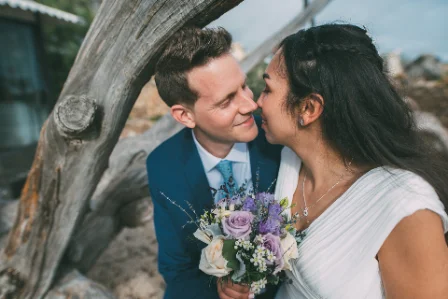

No sending proofs one by one, no long WhatsApp threads, and no unpaid downloads.
Add the event name, price per photo, and how long the gallery should remain available.
Upload the event photos from your camera. Pichayangu prepares secure previews in the background.
Print it, place it at the event desk, or send it to guests after the event.
Guests use a selfie to find their photos, select what they want, pay, and download.
Useful for event photographers who want extra sales without turning the team into a manual photo-search desk.
Guests can buy photos while the event is still fresh, even if they never spoke to the photographer.
Instead of asking guests to describe clothes or tables, they search for themselves.
Preview photos stay protected. Originals are released only after payment is confirmed.
Create separate galleries for each wedding, graduation, concert, marathon or corporate day.
The guest opens a link, uploads one selfie, chooses photos and pays. No app install required.
M-Pesa checkout fits the Kenyan market and keeps payment confirmation simple.
Pichayangu is designed around event galleries, consent, payment and controlled downloads.
Create your account, add an event, upload a few photos, and print the QR code for your next shoot.